Choose what stays in Reading view
Include notes or folders with Path rules. Exclude drafts and working notes so they remain editable.
Read reference notes comfortably on desktop, phone, and tablet. Choose individual notes, whole folders, or every Markdown note in your vault.
In Obsidian, open Settings → Community plugins → Browse, search for Read Only View, then select Install and Enable. Requires Obsidian 1.10.3 or newer; supports desktop and mobile.
Choose your scope
New installations use All Markdown files mode. To protect selected notes or folders, open Settings → Read Only View, select Only matched paths, and add an Include rule under Path rules.
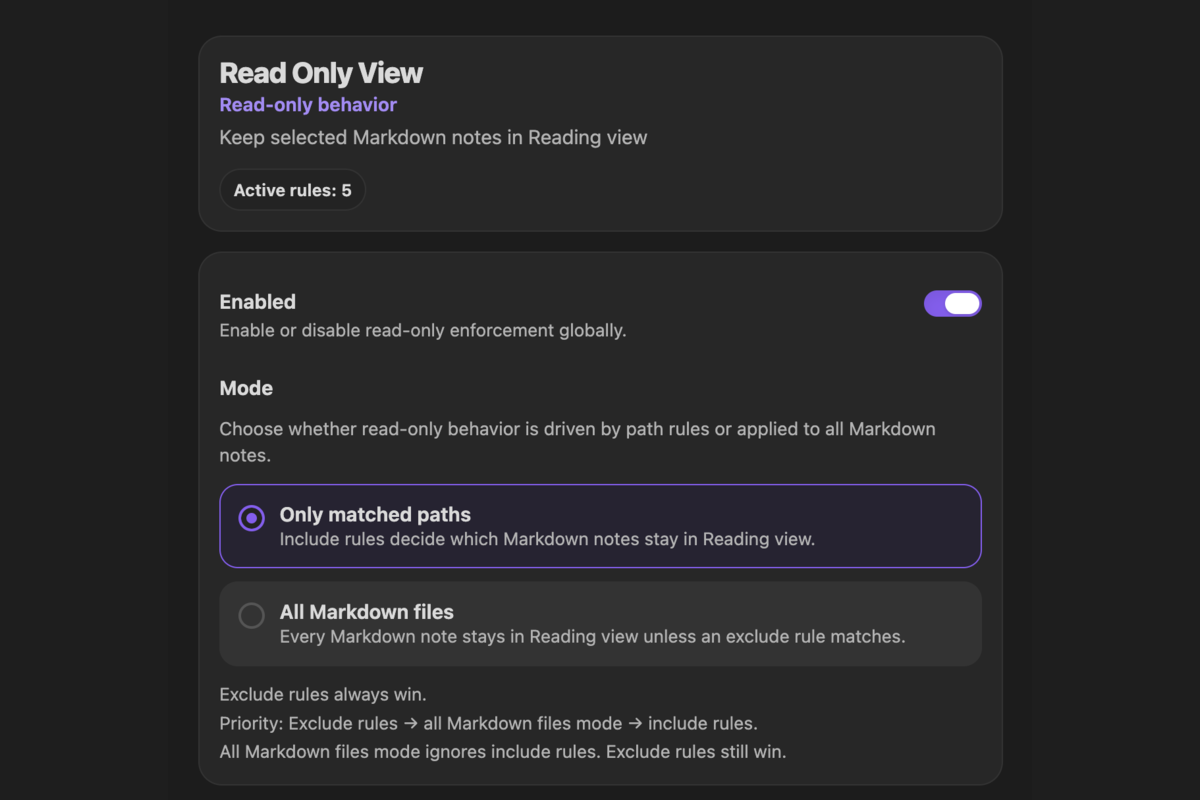
**.Reference/ or Archive/ while leaving drafts editable.See Path rules for matching syntax and Path tester for diagnostics.
Read Only View returns matching Markdown notes to Reading view and blocks editor input in supported Markdown editors. It changes Obsidian view behavior; it does not change filesystem permissions, rewrite your Markdown files, or prevent other applications from editing them. See the FAQ for limitations and temporary editing.